
 1 month ago
54
1 month ago
54

Something quietly significant happened to Google Search: when the engine can’t find an existing image that matches what you’re looking for, it will now make one. Google AI image generation is moving out of standalone creative tools and into the core search experience — a shift that sounds subtle but carries real weight for how people find, use, and think about images online.
Key takeaways
- Google Search now generates AI images inside AI Overviews when no matching image exists on the web, using text prompts typed directly into the search bar.
- The feature prioritizes speed and cost over image quality.
- Rollout begins in the coming weeks in English across regions that already support image generation in AI mode.
- Google Images is also getting a redesigned homepage with a dynamic real-time gallery and personalized image collections, starting on desktop in the US.
- A Google account is required to use the redesigned Google Images homepage.
Google integrates AI image generation into Search
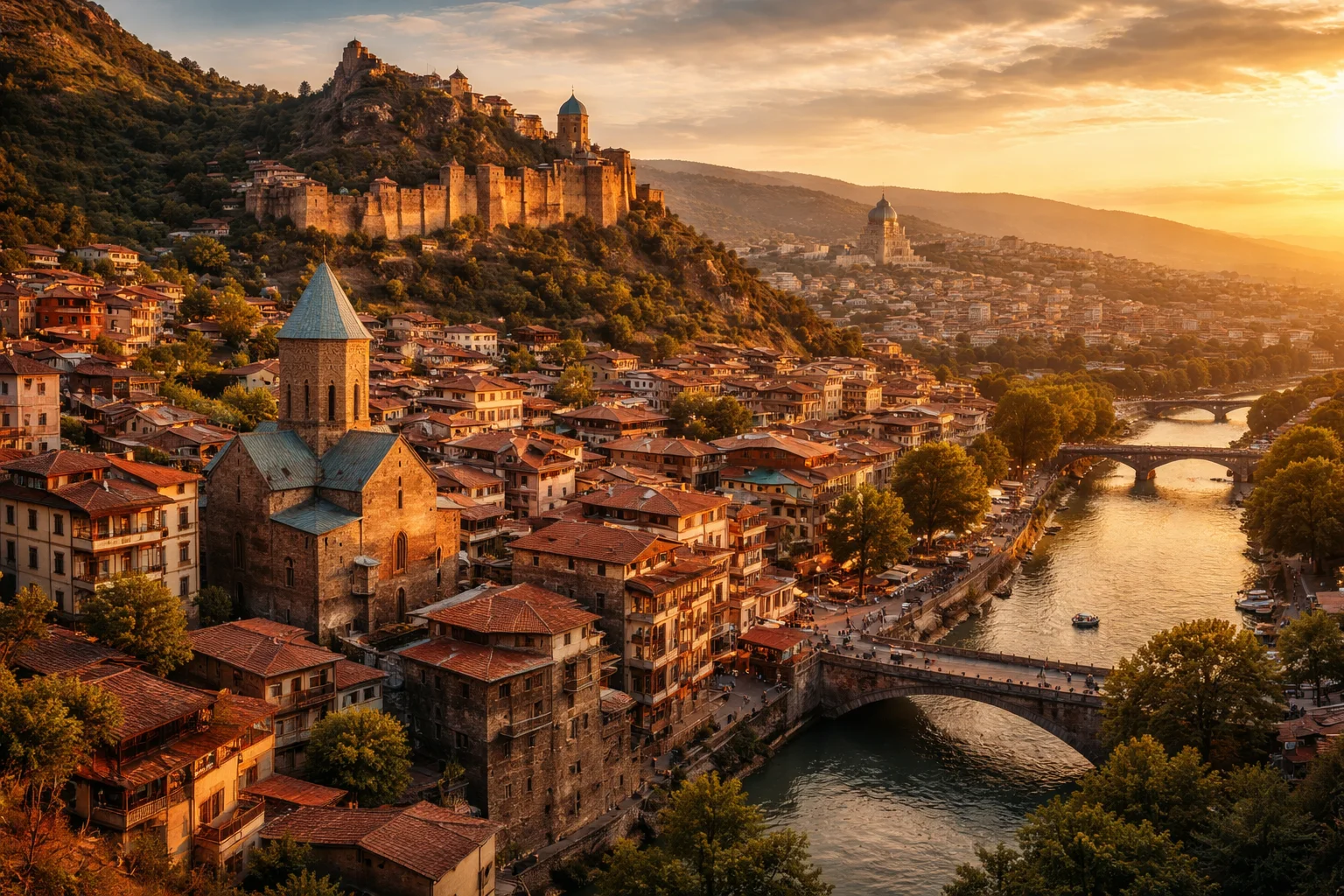
The premise is straightforward. Open a Google Search, trigger an AI Overview, and if the engine finds no suitable image across the entire web to illustrate your query, it will generate one on the spot. Users type a text prompt directly into the search bar, and the system produces an image without needing to visit an external tool or platform.
This isn’t a minor add-on feature. It closes a gap that previously sent users elsewhere — to image generators, stock photo sites, or creative platforms — whenever Search came up empty visually. Now those moments of “nothing found” become moments of “here’s something generated for you.”
How AI Overviews generate images from text prompts
The integration lives inside AI Overviews, Google’s AI-powered answer layer that sits above traditional search results. When a visual result is needed but unavailable from the web, the system prompts the user to describe what they want. That description feeds directly into the generation pipeline, producing a result within the search interface itself — no tab-switching required.
For casual users, this feels like a natural extension of search. For the broader web ecosystem, it means one more reason to stay inside Google rather than navigate outward.
Image generation model optimized for speed and efficiency
The generation engine behind this feature prioritizes speed and cost efficiency over output quality. This is a deliberate design choice, not a limitation waiting to be fixed. For a search-integrated tool that needs to deliver images in seconds without overwhelming infrastructure, a lightweight, fast model makes strategic sense.
The trade-off is real, though. Users accustomed to high-fidelity AI image tools may notice a difference. But inside a search context — where the goal is information retrieval, not artistic output — functional and fast often wins over polished and slow.
The rollout begins in the coming weeks, limited to English and covering the regions that already support image generation in AI mode.
Redesign of the Google Images homepage
Alongside the Search integration, Google is overhauling the Google Images homepage in a way that makes it feel less like a search tool and more like a personalized visual feed.
Dynamic gallery with real-time web content
The redesigned homepage replaces the static starting screen with a dynamic gallery that pulls content from the web in real time, tailored to each user’s interests. Rather than arriving at a blank search bar, users now land in a living visual environment that surfaces imagery relevant to what they’ve searched and saved before.
This design logic borrows from social and discovery platforms — Pinterest, Instagram, even TikTok’s For You architecture — and applies it to image search. The goal is to increase time spent inside Google’s own environment.
Image collections and user personalization
Users can save images directly into personal collections, which then appear as navigable tabs above the gallery. It’s a lightweight organizational layer, but it deepens the relationship between the user and the platform — encouraging return visits and repeat engagement in a way traditional image search never really attempted.
Rollout specifics and account requirements
The redesigned homepage begins rolling out in the coming weeks, initially in English on desktop in the United States. Crucially, a Google account is required to access the personalized features. That account requirement isn’t incidental — it’s structural. Personalization at this level demands identity, and tying the experience to a logged-in account gives Google the signal layer it needs to make the gallery useful.
What this means for the open web
The more direct implication of Google AI image generation landing inside Search is the effect on external traffic. Image search has historically been one of the remaining channels through which outside websites — photographers, stock libraries, publishers, creative agencies — receive clicks from Google. AI-generated results that satisfy visual queries without linking out cut directly into that flow.
This isn’t a hypothetical risk. It follows the same pattern already visible with text-based AI Overviews, which have drawn widespread concern from publishers about answer-layer responses reducing the incentive to click through. Images are simply the next frontier of that same dynamic.
Zooming out, both announcements — the Search AI generation feature and the Images redesign — point toward the same strategic direction. Google is rebuilding its core products around retention. The ideal outcome, from Google’s perspective, is a user who arrives with a question or a visual need and leaves satisfied without ever visiting another domain. Whether that outcome is good for the broader internet is a separate question — but as a product strategy, it’s becoming increasingly hard to ignore.
FAQ
How does Google generate AI images in Search?
Google enables AI image generation inside Search’s AI Overviews when no matching image exists on the web. Users type a text prompt into the search bar, and the system generates an image.
What are the priorities of Google’s image generation model?
Google’s image generation model is designed to prioritize speed and cost efficiency rather than high image quality, making it suited for fast, in-context generation during a search session.
What changes come with the redesigned Google Images homepage?
The redesigned homepage introduces a dynamic gallery that pulls real-time web content personalized to each user’s interests. Users can also save images into collections, which appear as navigable tabs above the gallery for easier access.
Is a Google account required to use the new Google Images homepage?
Yes. A Google account is mandatory to access the redesigned Google Images homepage and its personalized features.
Article produced with the assistance of artificial intelligence and reviewed by the editorial team.






 English (US) ·