
 3 hours ago
18
3 hours ago
18
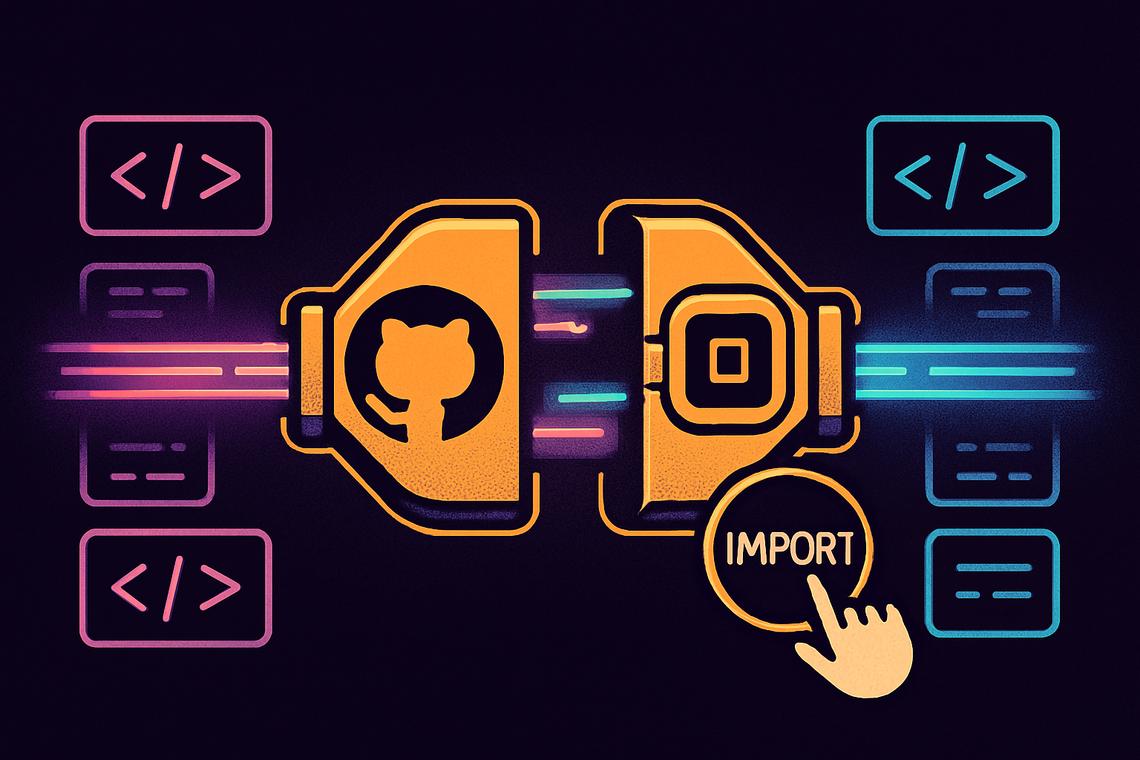
Google is giving developers a long-requested shortcut between their code repositories and its AI-powered app builder. The latest Google AI Studio update adds one-click GitHub repository imports to AI Studio Build, along with a two-way sync system that keeps code in both places aligned automatically. It’s a small technical tweak with a fairly large practical payoff for anyone juggling projects between GitHub and Google’s development environment.
Key takeaways
- Google AI Studio Build now supports one-click import of existing GitHub repositories directly into its app-building environment.
- A new bi-directional sync means edits made in AI Studio push back to GitHub, and GitHub updates reflect inside AI Studio.
- Previously, AI Studio Build could only export code out to GitHub, not pull it in.
- Imported code is automatically normalized for compatibility with Google’s runtime infrastructure.
- Developers can refine imported projects using chat-based tools and code annotations powered by Google’s Gemini models, then deploy to Cloud Run.
Google AI Studio Enhances Developer Workflows with GitHub Integration
The core of this Google AI Studio update is a new “Import from GitHub” button that closes a workflow gap developers have flagged for a while. Instead of building everything from scratch inside AI Studio Build, teams can now pull an existing repository straight into the environment and start working immediately.
Introducing One-Click GitHub Repository Import
Until now, the relationship between AI Studio Build and GitHub only ran in one direction. Developers could export their finished work out to a GitHub repository, but there was no way to bring an existing codebase back in. That limitation is gone. With the GitHub code import feature, a developer can select a repository and have it loaded into AI Studio Build in a single step, ready for editing.
Bi-Directional Synchronization Between AI Studio and GitHub
The more consequential piece of the update is the sync mechanism itself. Once a repository is connected, changes made inside AI Studio Build flow back out to GitHub automatically, and any updates pushed to the GitHub repository show up inside the Studio. This bi-directional sync AI Studio setup means developers no longer have to manually shuttle files between two separate tools or worry about which version is current. Both environments effectively stay mirrored in real time.
Why does this matter? For teams that split their work between a traditional IDE-and-GitHub setup and Google’s AI-assisted builder, the sync removes a recurring source of friction: duplicated effort, version mismatches, and the constant question of where the “real” copy of a project lives.
AI-Assisted Development and Code Normalization
Bringing outside code into AI Studio Build isn’t as simple as copying files over. Google’s platform actively reshapes what comes in, and that reshaping is what makes the rest of the workflow possible.
AI Tools Powered by Google’s Gemini Models
Once a project lands inside AI Studio Build, developers get access to AI-assisted development tools built on Google’s Gemini models. That includes chat-based interaction, where a developer can ask questions about the codebase in plain language, and code annotations that help explain what specific sections are doing. For someone onboarding onto an unfamiliar project, this effectively replaces a lot of the manual work of reading documentation or hunting down the original authors for context.
Normalization of Imported Code for Compatibility
Behind the scenes, the platform normalizes imported code so it runs properly inside its own environment. In practical terms, when a repository is pulled in, AI Studio transforms it into a format compatible with its runtime, rather than simply displaying the raw files in a new interface. That distinction matters: the platform isn’t just offering a new viewer for existing code, it’s actively adapting that code to function within Google’s infrastructure. Developers should be aware their imported project is being restructured, not just relocated.
Practical Benefits: Onboarding, Code Modernization, and Deployment
The value of this update shows up less in flashy demos and more in everyday developer headaches. A repository sitting untouched since a hackathon months ago, a legacy project nobody wants to fully rewrite, a new hire who needs to get up to speed fast — these are the situations the feature is aimed at.
Facilitating Incremental Modernization of Legacy Code
For teams managing older codebases, the update offers a way to modernize gradually instead of committing to a full rewrite. Developers can import the existing code, apply AI-assisted improvements piece by piece, and push those changes back to GitHub, all without leaving the Studio environment. That incremental approach lowers the risk that typically comes with large-scale rewrites, where something breaks and nobody can pinpoint exactly why.
Deployment of Finished Projects to Cloud Run
Once a project has been imported, refined, and synced, it doesn’t have to stay locked inside AI Studio. Finished builds can be deployed to environments like Cloud Run, giving developers a direct path from imported code to a live, running application without switching tools mid-process.
Official Announcement and Product Leadership
The update was announced through Google’s official AI Studio channels and was highlighted by Logan Kilpatrick, the company’s product lead for AI Studio. Public-facing announcements from product leadership tend to signal that a feature is considered a priority rather than a minor patch, and the framing around this release suggests Google sees the GitHub integration as a meaningful step in fleshing out AI Studio Build’s developer workflow.
Whether this becomes a standard part of how developers move between AI-assisted coding tools and traditional repositories will likely depend on how smoothly the sync holds up under heavier, more complex codebases — the kind of real-world stress test that tends to separate a useful convenience feature from one that quietly fades out of daily use.
FAQ
What new import capabilities does Google AI Studio Build offer?
Google AI Studio Build now supports one-click importing of existing GitHub repositories directly into its app-building environment.
How does bi-directional synchronization work in AI Studio Build?
Modifications executed within the AI Studio Build workflow are synchronized back to GitHub, with repository updates being pushed accordingly update the code inside AI Studio, keeping both sides in sync.
What AI-assisted tools are available in AI Studio Build after importing code?
Developers can use chat-based interactions and code annotations powered by Google’s Gemini models to iterate on the imported code.
Can projects finished in AI Studio be deployed outside the platform?
Yes, finished projects can be deployed to environments like Cloud Run once development is complete.
Article produced with the assistance of artificial intelligence and reviewed by the editorial team.







 English (US) ·